

PaidgameplayMultiplayer-readyC++ · Blueprint
Multiplayer Communication System
Replicated team pings, a ping wheel and a voice-line wheel for shooters, validated on the server and sent only to the sender's team.
Coming soon to FabSupport on Discord
What it solves
Section titled “What it solves”Without voice chat, players in a team shooter have no fast way to say “enemy here” or “on my way”. Building that yourself means replication, team filtering, anti-spam and server validation before the first marker appears. This plugin provides all of it as one component on the Player Controller and three Data Assets.
Features
Section titled “Features”- Quick ping. One tap marks the spot under the crosshair for the sender’s team, with a sound and a world marker.
- Context pings. An actor carrying a ping tag gets its own callout, and the marker follows the actor.
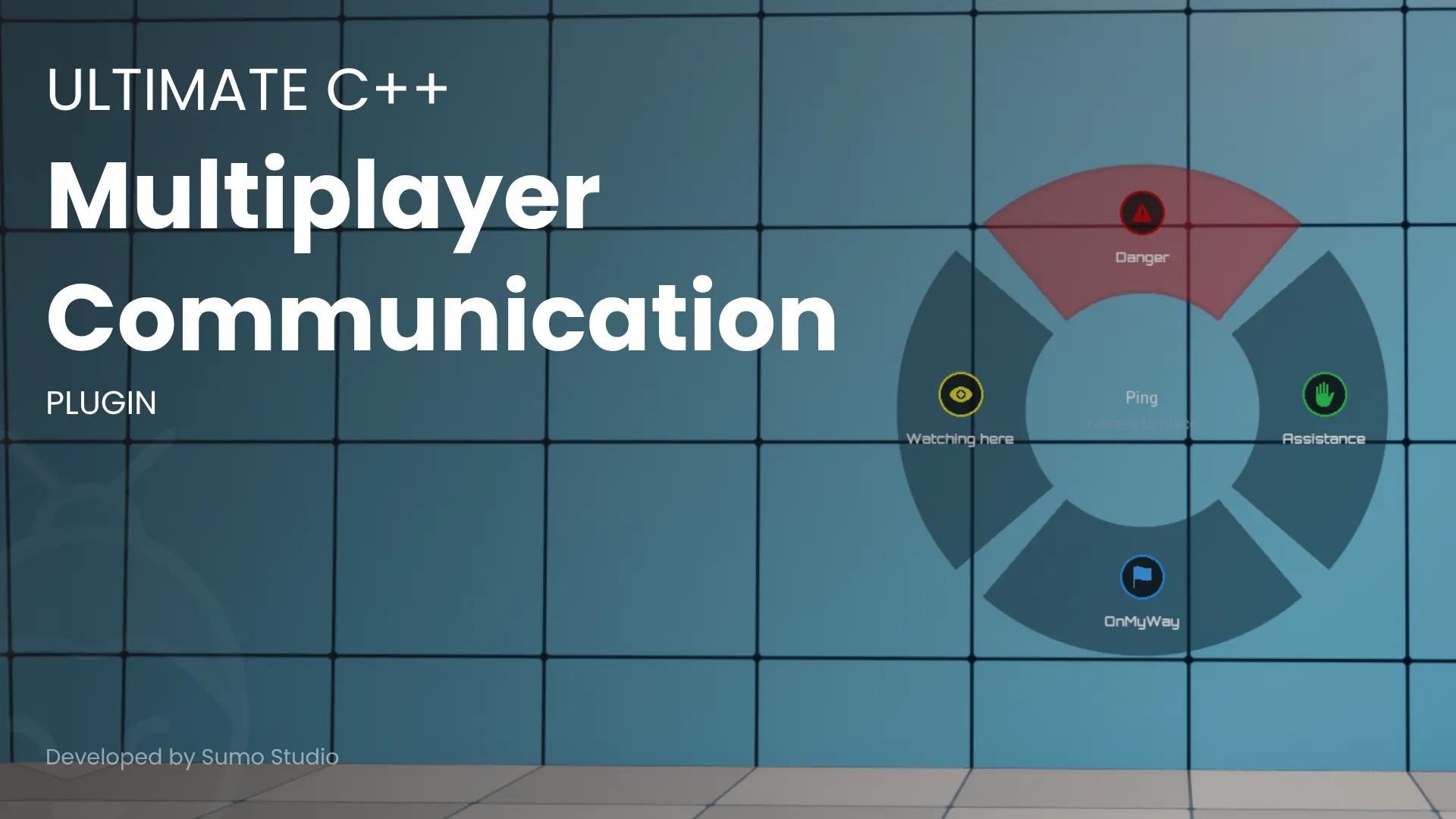
- Ping wheel and comm wheel. Hold a key, move the cursor to a slice, release. The component creates the widget and handles cursor and input mode.
- Data Asset driven. Every callout and every wheel is defined in Data Assets. A new callout needs no code.
- Team-only delivery. The server sends a ping only to Player Controllers on the sender’s team. Your project supplies the team number through one interface function.
- Server validation. The server checks distance, line of sight and the pinged target before it forwards a ping.
- Anti-spam. Minimum interval, burst limit and cooldown, with a rejection sound and an event.
- World markers. Local, non-replicated markers with distance readout, distance fade and automatic expiry.
- Optional minimap and zone names. Pings are published to Sumo Core’s map subsystem for any minimap or zone system that registers with it.
Compatibility
Section titled “Compatibility”| Unreal Engine | 5.4 or newer |
| Platforms | All engine platforms (no platform-specific code) |
| Language | C++ with full Blueprint access |
| Modules | SumoCommunication (Runtime) |
| Dependencies | Sumo Core plugin. Engine modules: UMG, Slate, SlateCore, GameplayTags, NetCore, InputCore |
| Multiplayer | Listen server and dedicated server. Works in standalone as well |
Start here
Section titled “Start here”- Quick start: install the plugin and send the first ping.
- How it works: the classes and the path of a ping from key press to marker.
- Reference: every property, function and event.